
Fix your videos and recordings without uploading them anywhere.
VidKre8 Suite is a free app for Mac and Windows. Cut out mistakes, join clips, change file types, remove background hum and take out long silences, all on your own computer.
- Free. No account, no sign-up.
- Private. It never goes on the internet. Your files stay on your computer.
- Safe. Your original files are never changed. Every result is saved as a new file.
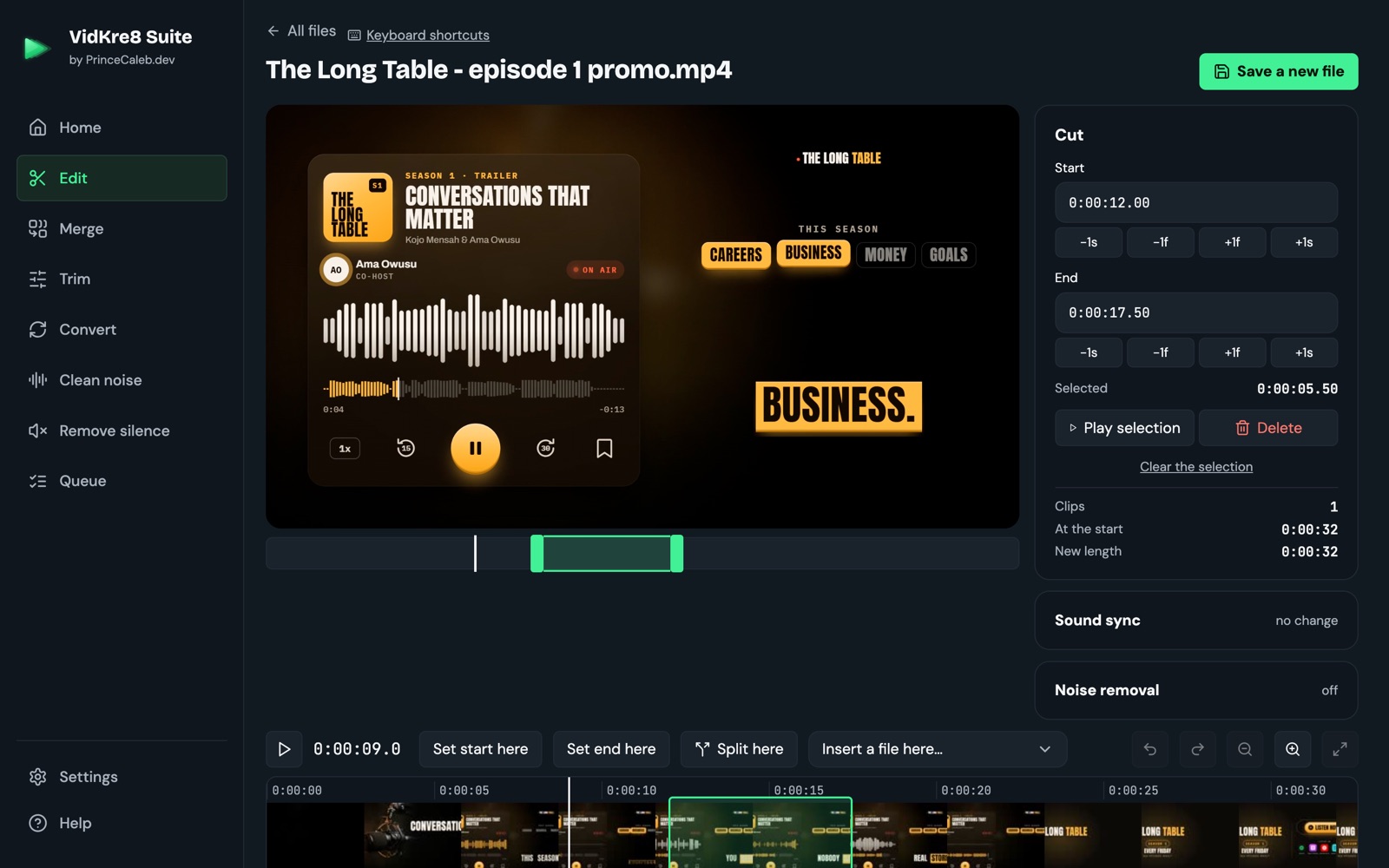
What you can do
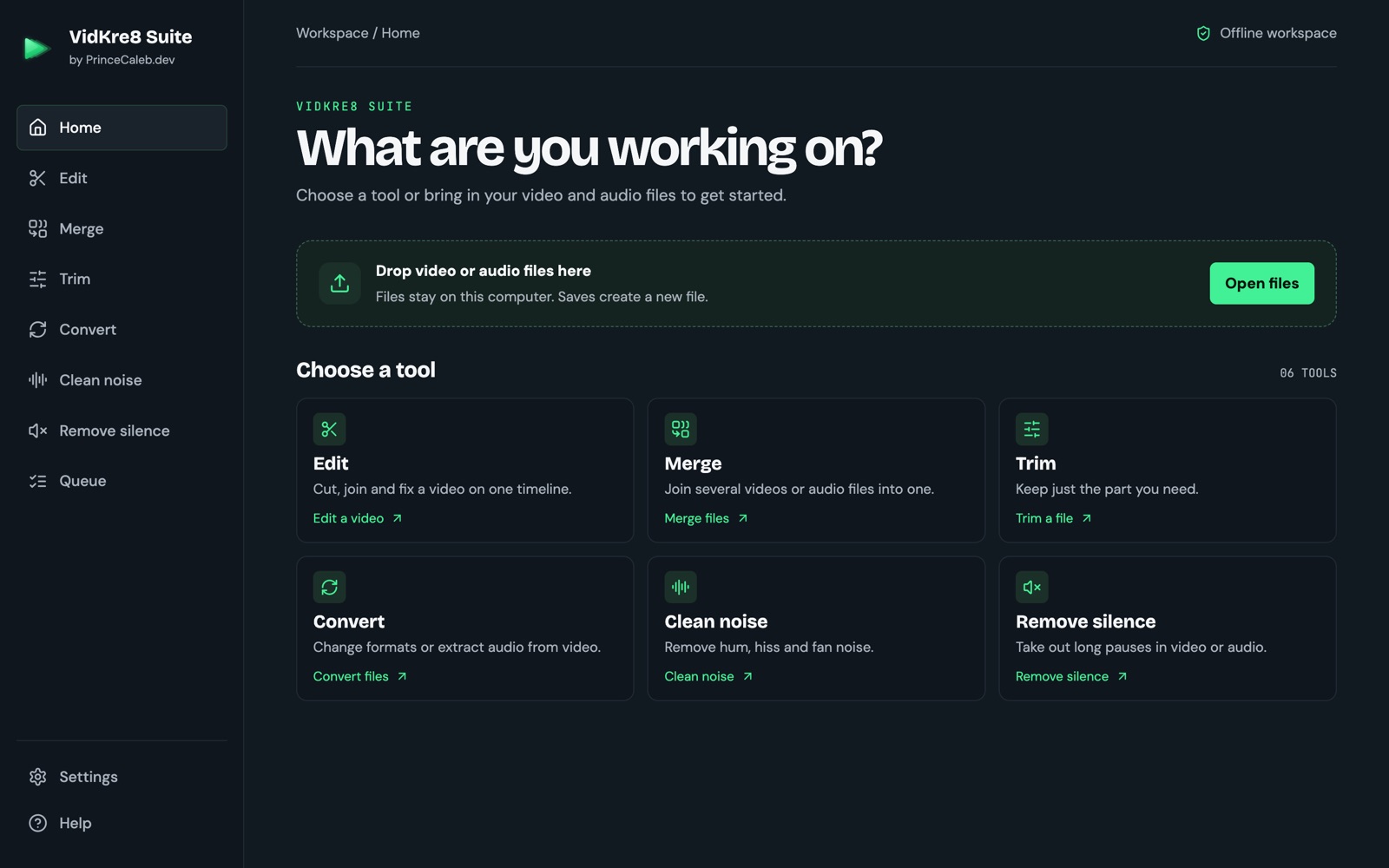
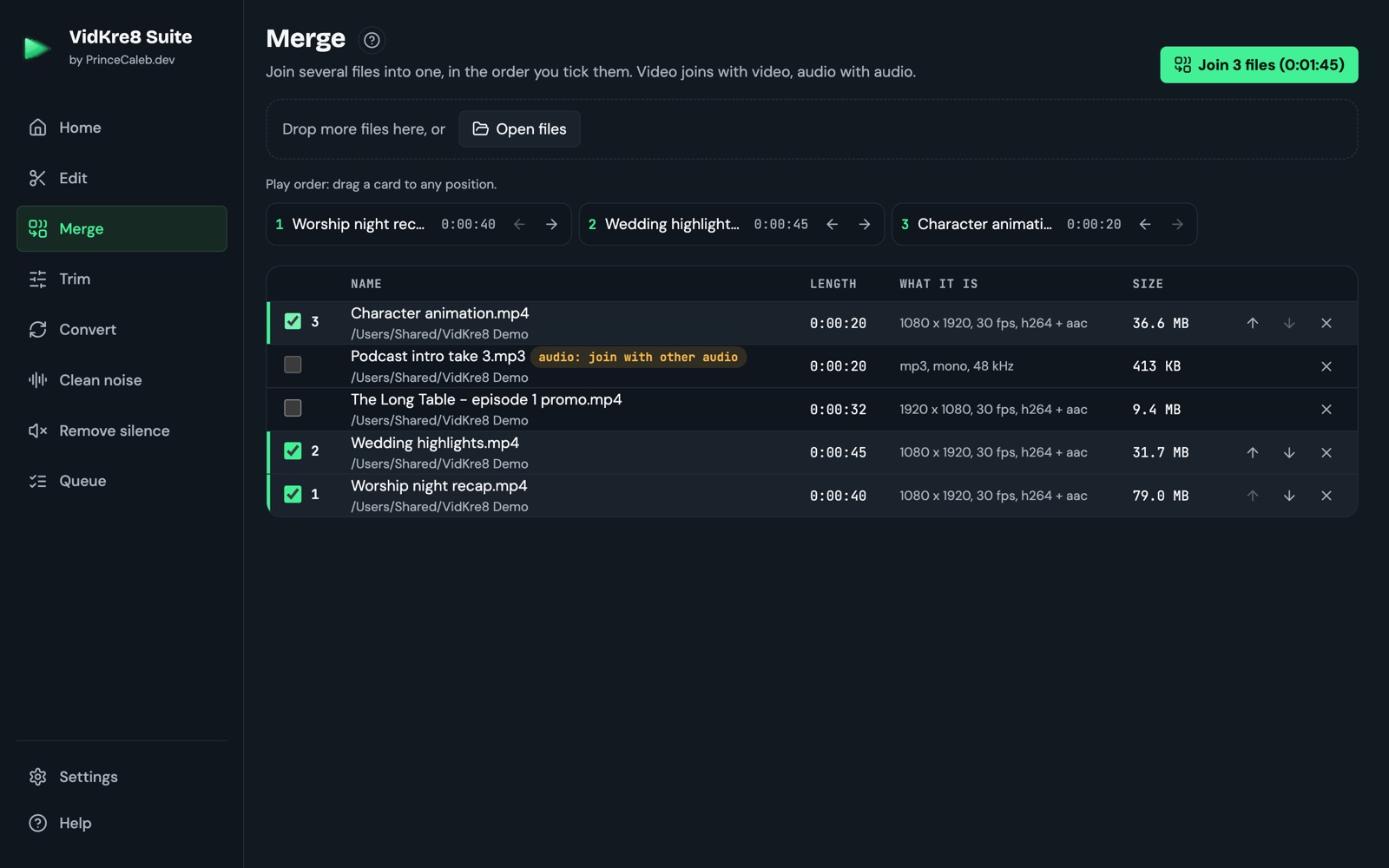
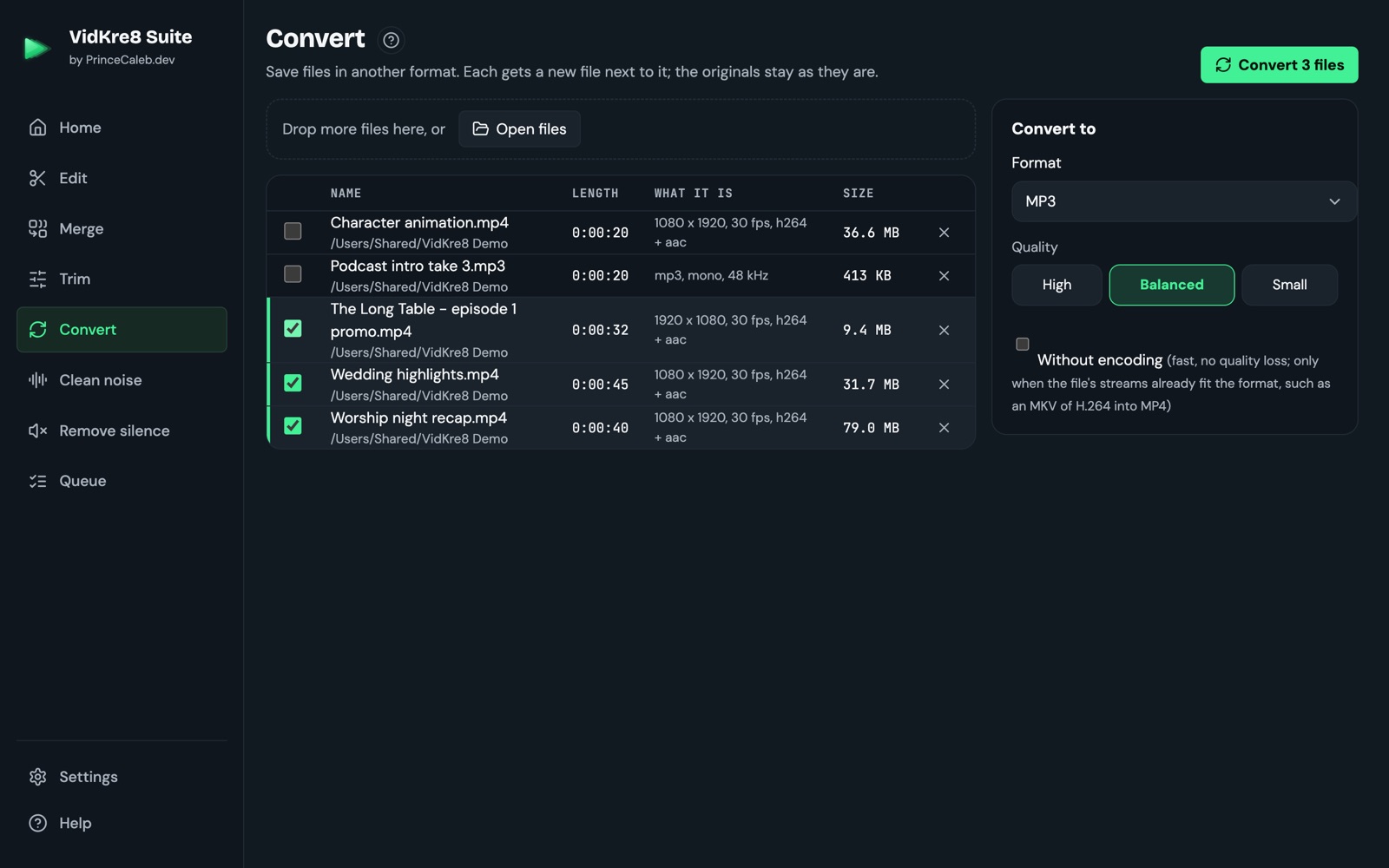
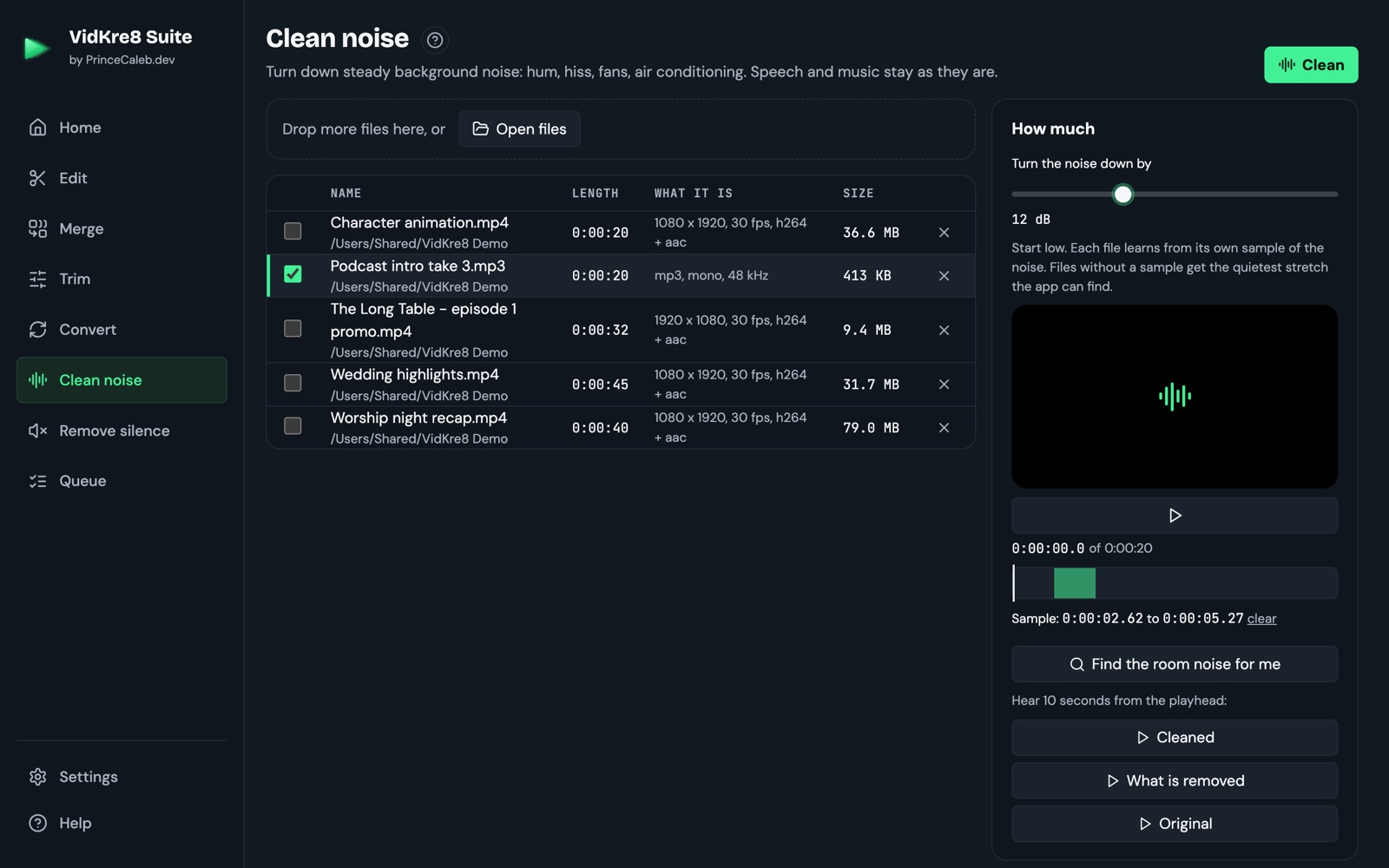
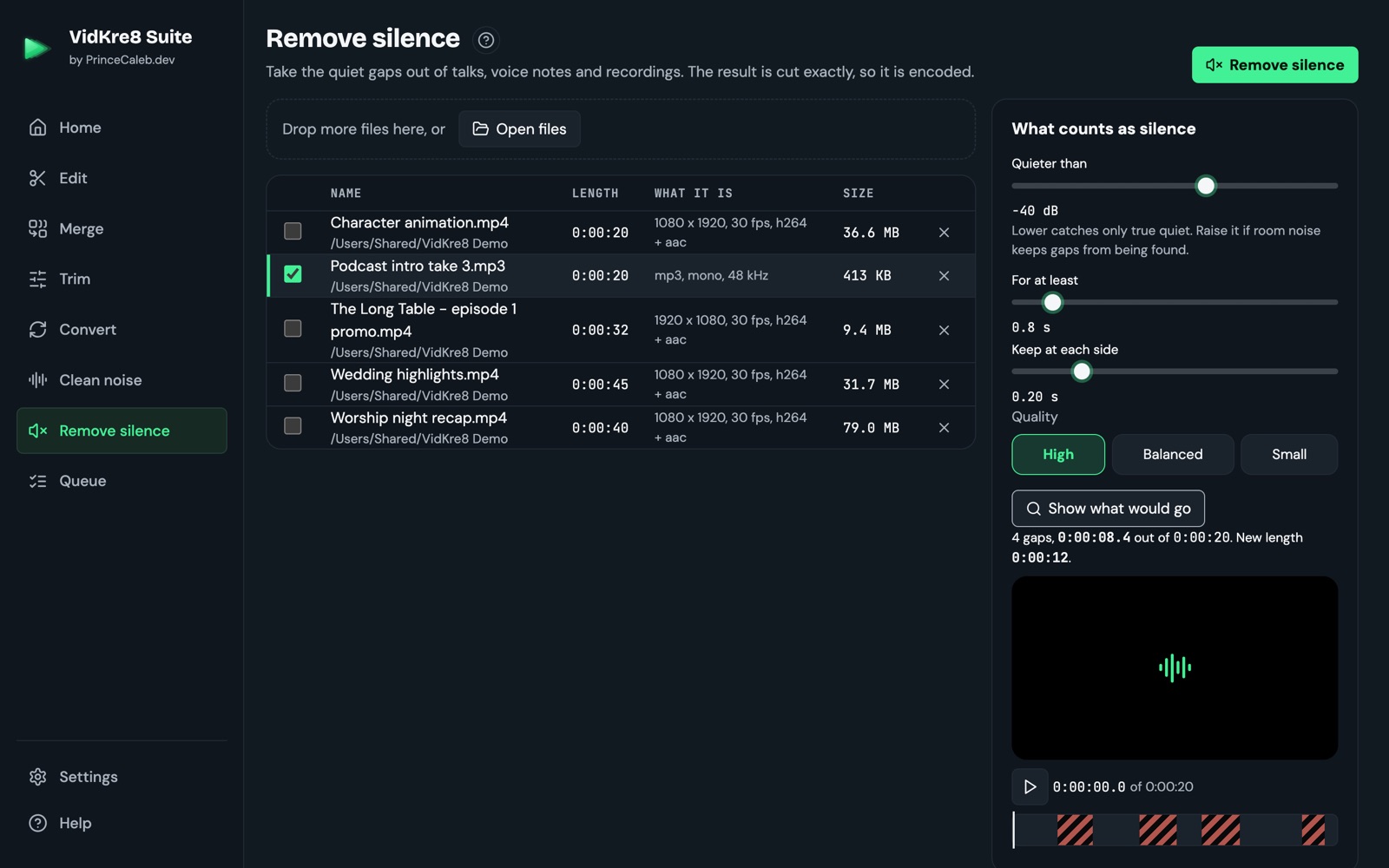
Download VidKre8 Suite 0.2.0
This page is the only official place to get VidKre8 Suite. If you find it anywhere else, don't install that copy.
For Mac
Not sure which Mac you have? Click the Apple logo in the top-left corner of your screen, then About This Mac. Look at the line that says Chip or Processor.
Mac with Apple chip Chip says M1, M2, M3, M4 or newer · 180 MB Mac with Intel chip Processor says Intel · 197 MBNeeds macOS 12 Monterey or newer.
Why does my computer warn me? VidKre8 Suite is new, and it isn't signed with Apple or Microsoft yet (that costs money each year, so it comes later). Your computer warns you about any app like that. The steps below show you how to open it. You never need to switch off your computer's protection.
Installing on a Mac
-
Open the file you downloaded. It's in your Downloads folder. A window opens. Drag the VidKre8 Suite icon onto the Applications folder.
-
Open VidKre8 Suite from your Applications folder. A message says Apple could not check it. That's expected. Click Done. Don't click Move to Bin.
-
Open System Settings (click the Apple logo in the top-left corner, then System Settings). Click Privacy & Security on the left. Scroll down until you see "VidKre8 Suite" was blocked, and click Open Anyway.
-
One more box appears. Click Open Anyway again, then type your Mac password. That's it. From now on VidKre8 Suite opens like any other app.
Installing on Windows
-
Your browser might say the file isn't commonly downloaded. Click the … next to the message, then Keep. In some browsers, click Show more, then Keep anyway.
-
Open the file. A blue box might say Windows protected your PC. Click More info, then click Run anyway.
-
Click Next through the installer, then Finish. VidKre8 Suite opens, and you'll find it on your desktop and in the Start menu.
The pictures show roughly what you'll see. The exact wording can change a little between versions of macOS and Windows.
Questions
Is it really free?
Yes. There's no account and no trial. A paid version with extra features might come later, but this free version stays free.
Does it upload my videos?
No. VidKre8 Suite never goes on the internet. It doesn't even check for updates. Your files never leave your computer.
Will it change my original files?
Never. Every result is saved as a new file next to the original. If a name is already taken, it picks a new one, like "talk 2.mp3".
Which files does it open?
Videos: MP4, MOV, M4V, MKV, WEBM, AVI, TS, MTS and M2TS, including OBS and phone and camera recordings. Sound: WAV, MP3, M4A, AAC, FLAC, OGG and OPUS.
How do I get a newer version?
Come back to this page and download it again. It installs over the old one.
How do I remove it?
Mac: drag VidKre8 Suite from Applications to the Bin. Windows: Settings, Apps, find VidKre8 Suite, Uninstall.
Check your download (optional, for the careful)
Every file has a fingerprint, called a SHA-256 value. If yours matches the one below, you have exactly the file we published.
Mac: open Terminal and type shasum -a 256 , then a space, drag the downloaded file into the window and press Return.
Windows: open PowerShell and type Get-FileHash , then a space, drag the file in and press Enter.
- Mac with Apple chip: VidKre8-Suite-0.2.0-arm64.dmgc1acfdd13d80528a8ca6e855391427ddb93a6ffe12da0fe9ff58ade4de6c76e2
- Mac with Intel chip: VidKre8-Suite-0.2.0-x64.dmgb2d232c25df75a68c9881c4cc9cb18a2930daaceca4dffa1d1b1445b2bdbb93a
- Windows: VidKre8-Suite-Setup-0.2.0.exec010b5f7f47b544d552fb0af2dfb96cc0eaa8d6eaf7dda891ecc5bf92e3e3aff
The same list is in SHA256SUMS.txt on the release page.